Servers and channels
Create or join workspaces, organize text and voice rooms into categories, and keep community context close.
Guided product tour
These images use synthetic names, messages, workspaces, and files. No customer information, credentials, internal hostnames, or production tokens appear in this tour.
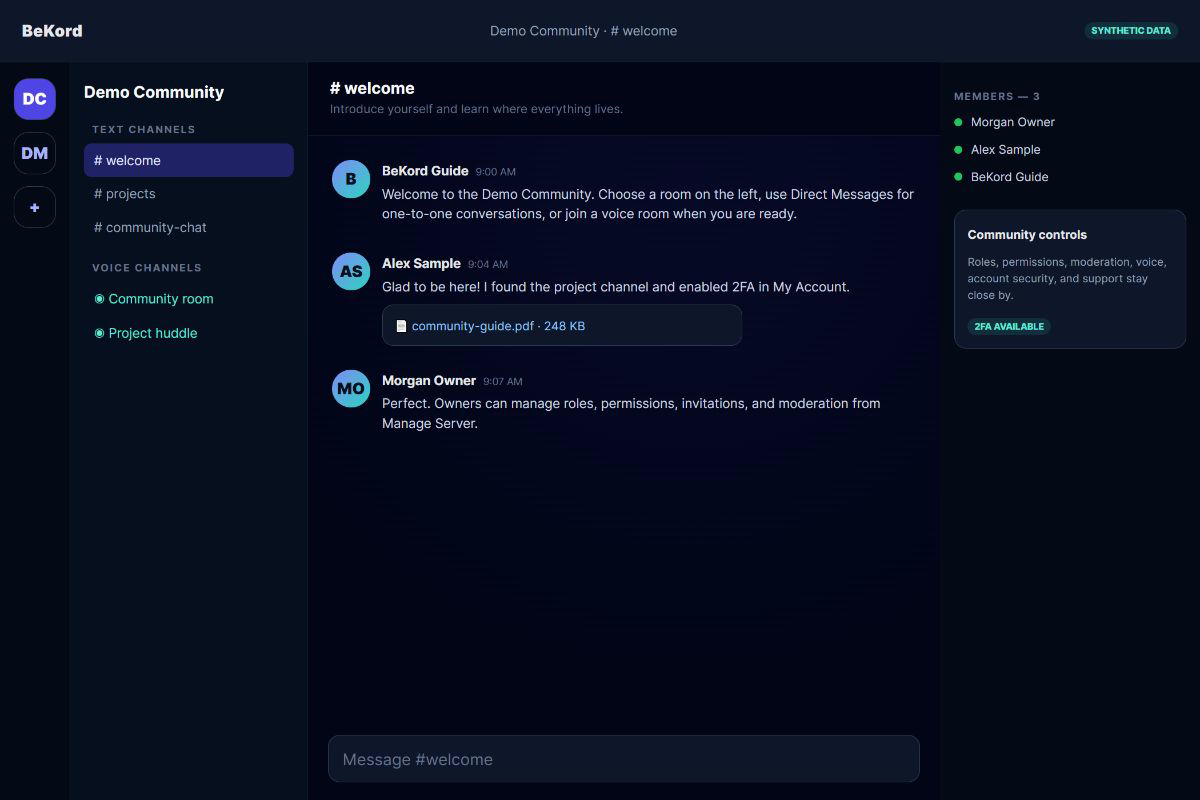
The workspace rail and channel list remain on the left, conversation stays centered, and members and owner controls remain visible without crowding the composer.
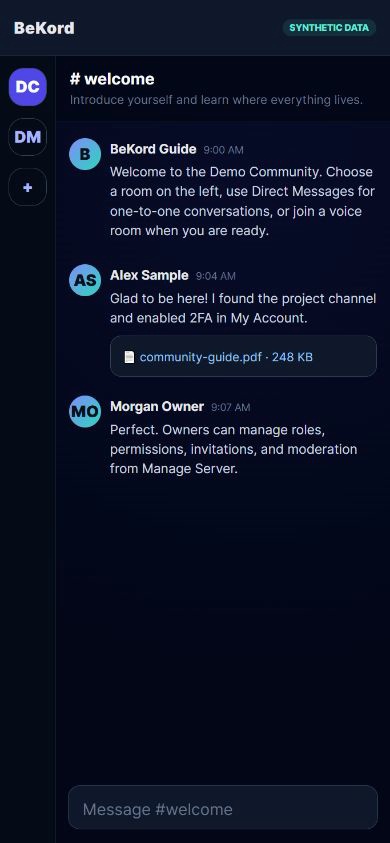
On smaller screens BeKord focuses on the current conversation. Navigation remains one tap away and the message composer stays within reach.
Create or join workspaces, organize text and voice rooms into categories, and keep community context close.
Send messages and attachments, reply in threads, search a channel, and move to direct conversations when needed.
Join permission-controlled voice rooms, choose devices, and share a screen with people in the room.
Workspace owners manage membership, invitations, roles, permissions, rooms, and moderation decisions.
Manage profile and notification settings, review account security, and enable authenticator-based 2FA.
BeKord’s Rumble lineup is a permanent provider-curated feature. Users may hide it per appearance but cannot alter its creators.